Printing guide: perfect math sheets every time
Updated 2026-07-08 · MathSheetLab guides
The one setting that matters
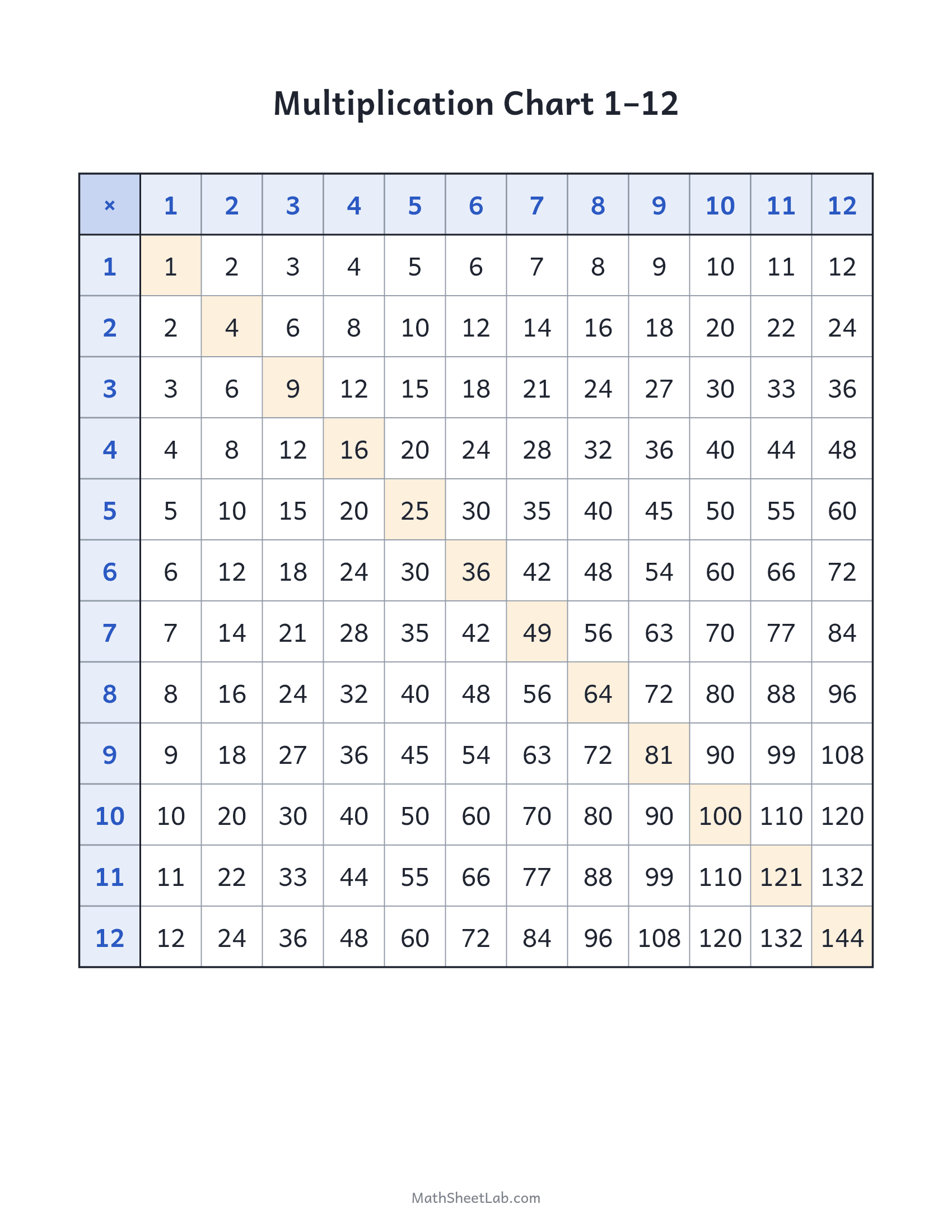
Every sheet on MathSheetLab is generated at 1700×2200 pixels — exactly the 8.5:11 shape of US Letter at 200 DPI, which is more than crisp enough for line art and digits. In your print dialog choose "Fit to page" (or scale 95–100%) and everything lands correctly. On A4, which is slightly narrower and taller, "fit to page" adds a few millimetres of margin and nothing is cut off.
PDF, PNG or straight print?
The Print button opens a clean print view of the sheet — quickest for one copy. Download the PDF when you want to keep, email or batch-print a sheet (the PDF embeds the same full-resolution image, sized to Letter). The PNG suits dropping the sheet into slides, Google Classroom or your own documents.
Class sets and photocopiers
Photocopiers are hard on light shading, so for class sets use the black-and-white chart versions where offered — pure lines survive any copier at any setting. Print one master at highest quality, copy from that, and skip the "copy of a copy" spiral.
Making them last
Reference charts (multiplication chart, hundreds chart, place value) earn lamination or a plastic sleeve — a dry-erase marker turns any of them into a reusable activity. Cardstock is worth it for anything that gets cut out, especially fraction strips.